Simple transport order management

Keep the information needed for an order in one place, assign it to the day’s work and follow updates without rebuilding the context from chats, email and spreadsheets.

Order information in one operational flow

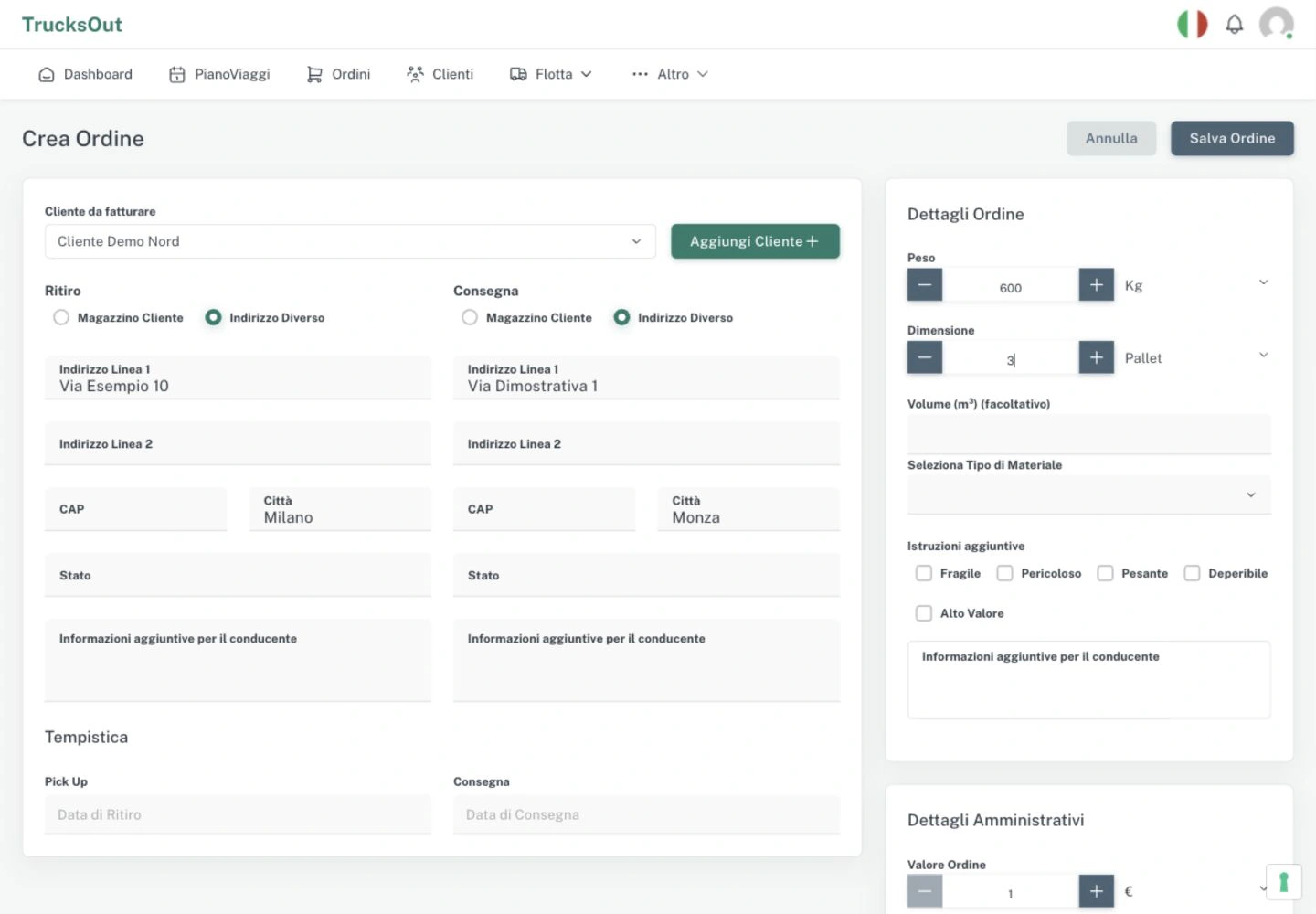
For-hire transport orders can include the customer, pickup and delivery dates and addresses, goods, weight, notes and other operational information. In-house logistics uses a distinct order flow based on configured company warehouses.
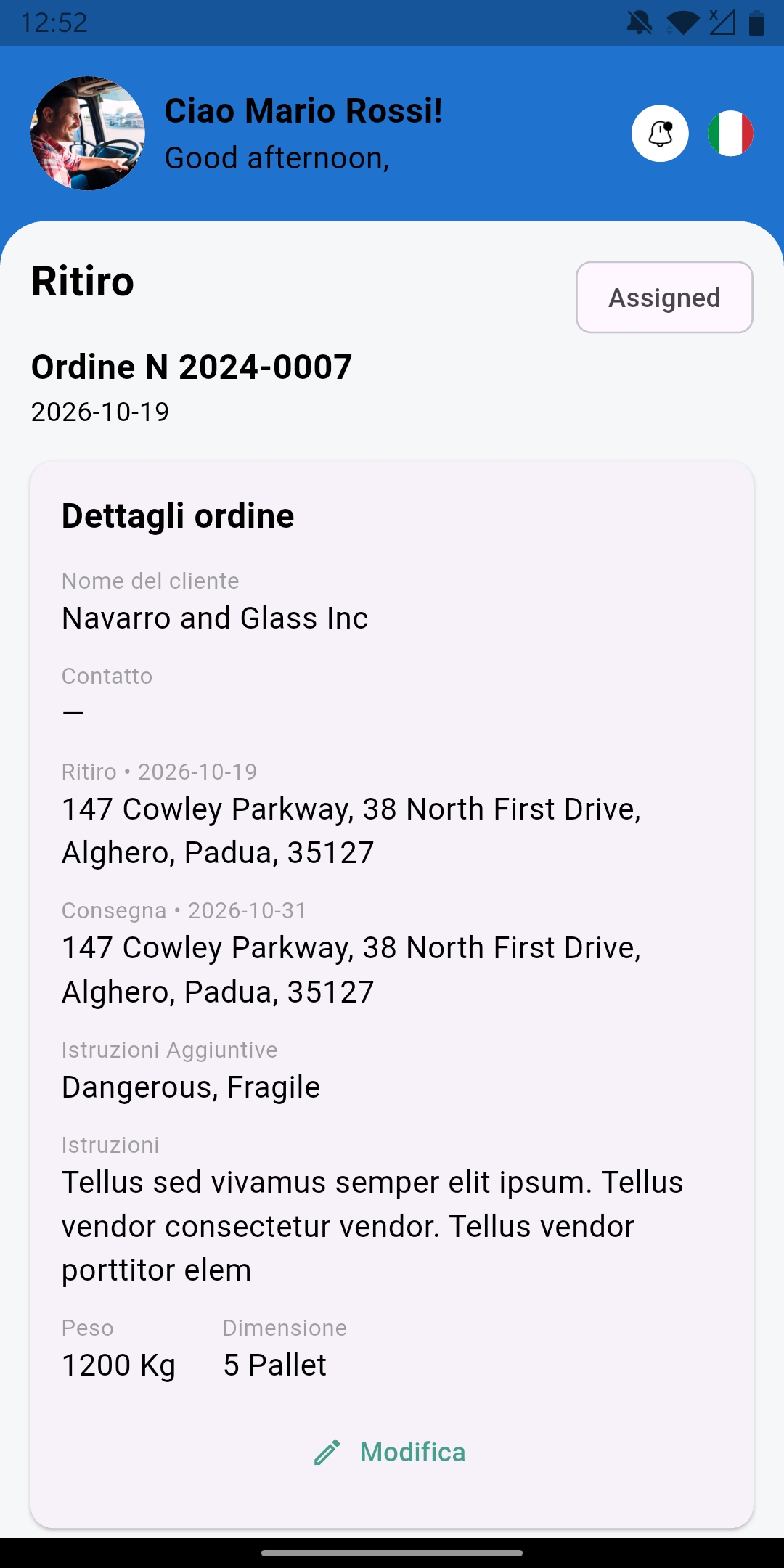
Status helps read the work in progress

Order statuses help distinguish work to be delivered, assigned, taken in charge, picked up, delivered or overdue. They are operational signals, not a compliance check.

From the order to the daily plan

An order is not an isolated record: assign it to a driver and vehicle in the daily plan, then keep its updates connected to the work until delivery. The weekly view is for consultation; operational changes stay in the daily view.

An order stays connected to the work being planned

Customer, pickup, delivery, assignment and status can stay in the same operational flow.

TrucksOut order management screen with customer, pickup, delivery and assignment information

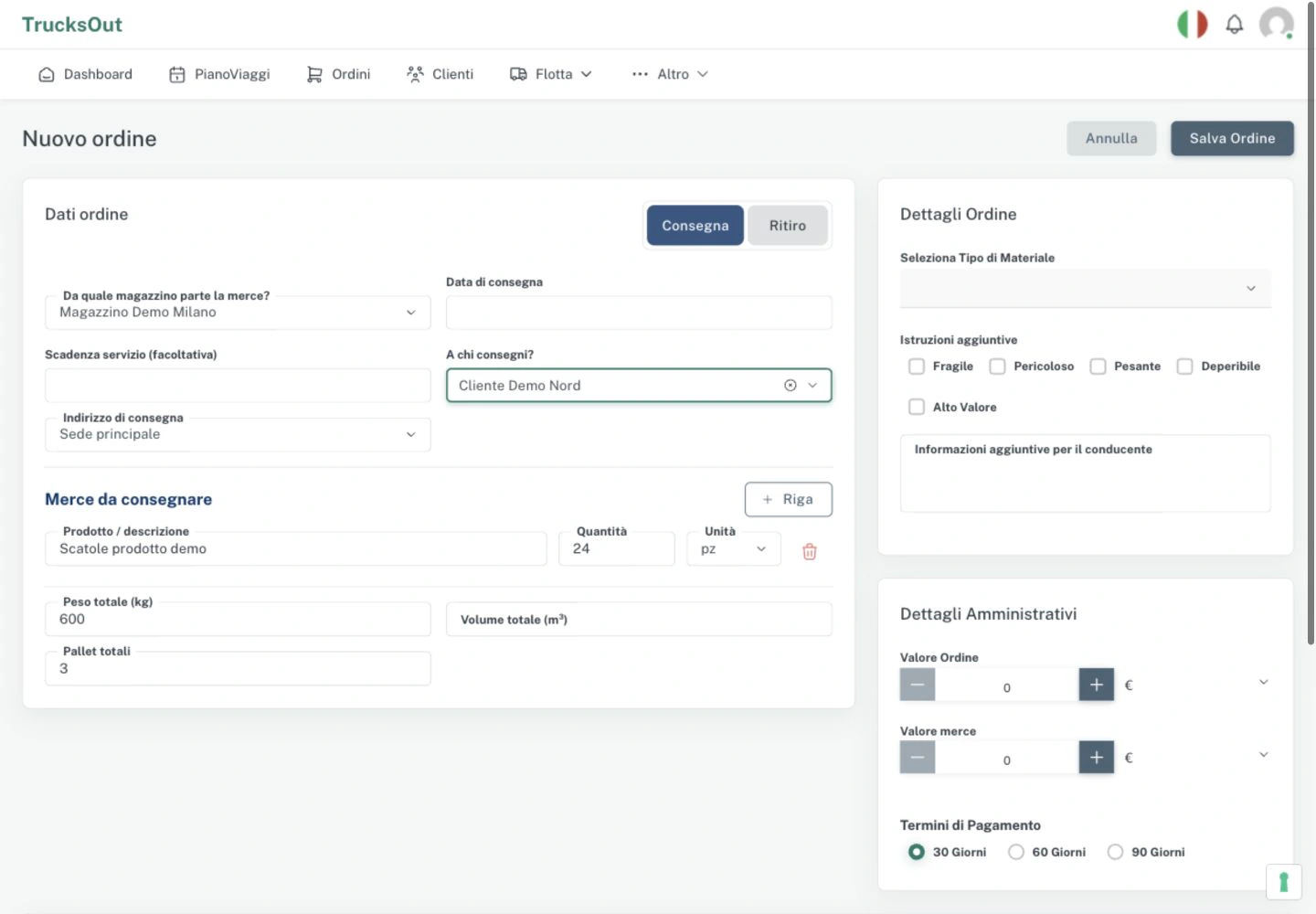
Two order flows, chosen by the company mode

The same daily work begins with different information: transport for a customer or a delivery organised by your company. These are real product screens with synthetic demo data; the interface shown is in Italian.

Relevant functions

The TrucksOut functions connected to creating, assigning and following orders.

Order management

Create transport orders with operational information, status and assignments.

Daily planning

Assign orders, drivers and vehicles and update activities when the day changes.

Order documents and delivery proof

Keep authorised documents and delivery proof linked to the work.

You may also find these useful

Further reading related to this operational workflow.

Questions about transport orders

Answers on information, order status and the two operating modes.

What information can I add to an order?

You can work with the customer, pickup and delivery dates and addresses, notes, weight, goods, assignment and order status.

Can an in-house fleet use the same order flow?

In-house logistics is a separate operating mode. It starts from configured company warehouses and adapts the order flow to deliveries made with company vehicles.

Can I edit the weekly plan?

The weekly view is for consultation. Operational assignments and activities are edited in the daily plan.

See how orders fit into the daily plan

Request a demo to walk through customer orders, assignments and the Android driver workflow.