
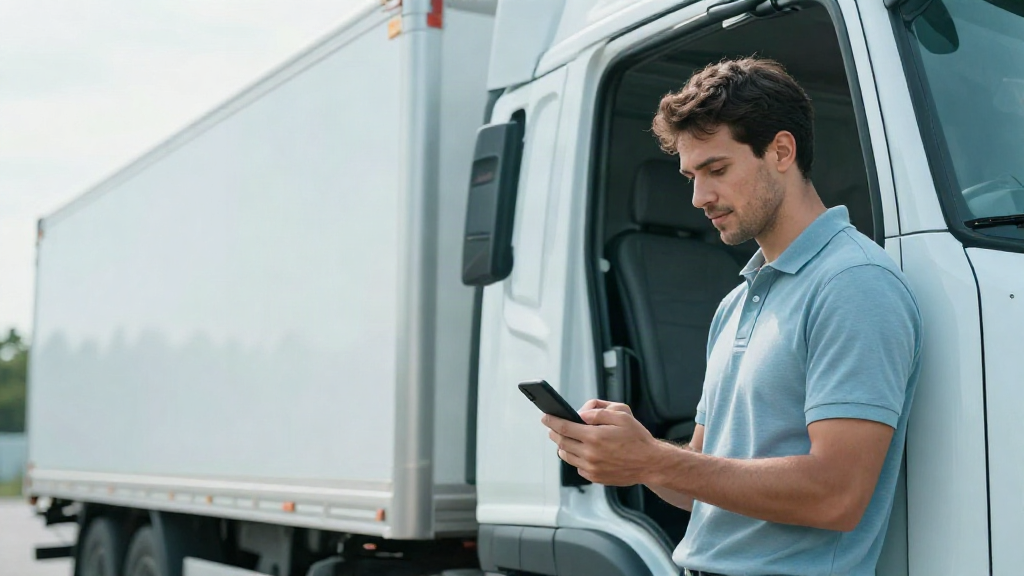
If you manage a small fleet, proof of delivery is one of the points where the day gets complicated. The driver delivers, but the signed document arrives at the office three days later, perhaps via WhatsApp, perhaps never. And you are left trying to reconstruct who delivered what, when and with which signature.
Digital proof of delivery addresses exactly this: the document is created on site, signed on site and arrives at the office without anyone having to chase it. But for it to work properly, a driver app needs some precise features. These are the questions we hear most often from owners and dispatchers of fleets with 1 to 20 trucks.
What digital proof of delivery is and why it matters to transport operators
Digital proof of delivery (often called POD, Proof of Delivery) is the electronic version of the document that certifies that goods have arrived at their destination: who received them, when, in what condition and with which signature.
In practice, it replaces the usual slip of paper that the recipient signs with a pen. Instead of paper, you have a document the driver completes in the app, has signed directly on the phone screen and sends immediately.
Why it matters to anyone managing a small fleet:
- It closes the case immediately. The delivery is recorded as completed at the moment it happens, not in the evening when the driver returns.
- It removes the need for check-in calls. You do not have to call the driver to find out whether the delivery went well.
- It gets paper out of the cab. No more wet, folded or lost sheets in the cab.
- It brings order to documents. Everything remains filed and easy to find, rather than scattered across photos, chats and envelopes.
✓ One document for every delivery, with date, time and signature ✓ A single archive, without folders in Excel or photos on WhatsApp
The essential features of a driver app: orders, documents and on-the-spot signatures
Not every driver app is designed for real road transport. A generic delivery app is one thing; a tool that speaks the transport operator's language is another. If you are assessing which one to adopt, check that it has these features.
Orders and trip planning at your fingertips
The driver needs to see clearly what has to be done today: which stops, which addresses and which order applies to each delivery. If they have to call the office to find out the next stop, the app is not doing its job.
A useful driver app shows the day's plan already in order, with the details needed on site: customer, address and delivery references. This way, the driver does not have to improvise and you do not waste time explaining things over the phone.
The signature on site, directly on the phone
This is the feature that makes the difference. The recipient signs on the app screen, and the signature is linked to the specific order and delivery. It is not a photo of a sheet of paper: it is data connected to the right record.
The result is that you no longer have to interpret the handwriting on a poorly scanned signature. The proof of delivery is clear, associated and filed.
Documents linked to the delivery
The signature alone is not enough. You also need the documents that accompany the delivery: the transport document, any attachments and notes about how it went. If the app lets you attach and file everything together, you already have the full picture when it is time to check.
✓ Orders and stops visible to the driver without calling the office ✓ The recipient's signature directly in the app ✓ Documents and notes linked to the individual delivery
How to connect proof of delivery with trip planning and document management
The real step forward comes when proof of delivery does not exist on its own, but is part of the same operational flow. If the driver app is separate from the rest of your management, you end up with the data split across two places again.
The point is this: proof of delivery comes from the delivery, and the delivery comes from the trip plan. If the driver app is connected to the day's plan, the signature is automatically attached to the right order, the order is already linked to the customer and address, and the document ends up filed in the correct record.
Here is what changes when the flow is unified:
- The dispatcher plans the day and the app shows it to the driver: the same information, with nothing passed on verbally.
- The driver delivers and obtains the signature: the proof of delivery is linked directly to the order.
- Document management is updated: no more papers to collect and copy out.
The practical advantage is that you stop acting as the bridge between different tools. There is no app here, plan in Excel there and documents in a folder somewhere else. There is one single flow, from trip planning to proof of delivery.
✓ Android driver app included, with no separate additional costs ✓ Proof of delivery linked to trip planning and document management ✓ One operational flow, without unnecessary complexity
In summary
Digital proof of delivery is not a technical detail: it is a way of knowing, in real time, that every delivery has reached its destination with the correct signature. For it to work, however, the driver app needs visible orders and trip planning, an on-the-spot signature and documents linked to the record.
Above all, it must be connected to the rest of the management flow. When trip planning, the driver app and documents exist in the same flow, proof of delivery stops being something to chase and becomes data you already have.
With TrucksOut, you manage orders, drivers, trucks and trip plans on a single platform designed for micro and small fleets, with the Android driver app included. If you want to see how it works on your typical round, start with the free trial and complete the first delivery with a digital signature.